HDO Box App: What It Is and How It Works in 2026
The HDO Box app is a streaming app for browsing and playing movies and TV shows on Android phones, Firestick, Android TV and other devices — but the version most people remember no longer works. The original HDO Box app stopped working in 2026. What works today is HDO Box Plus, a community fork that keeps the same familiar interface alive. This page explains what the app is, what changed, which devices it runs on, and where to get the working version.
What happened to the original HDO Box app?
The original HDO Box app is dead in 2026. If you still have an old copy installed and it opens to a blank library, fails to load titles, or never plays anything, that is expected behaviour — it is not your device or your connection.
HDO Box Plus is the community fork built to replace it. It was confirmed working on 2026-10-11. If your old app has stopped, read our guide to HDO Box not working and the best alternatives first, then install the Plus fork from the download page below.
What is the HDO Box app today?
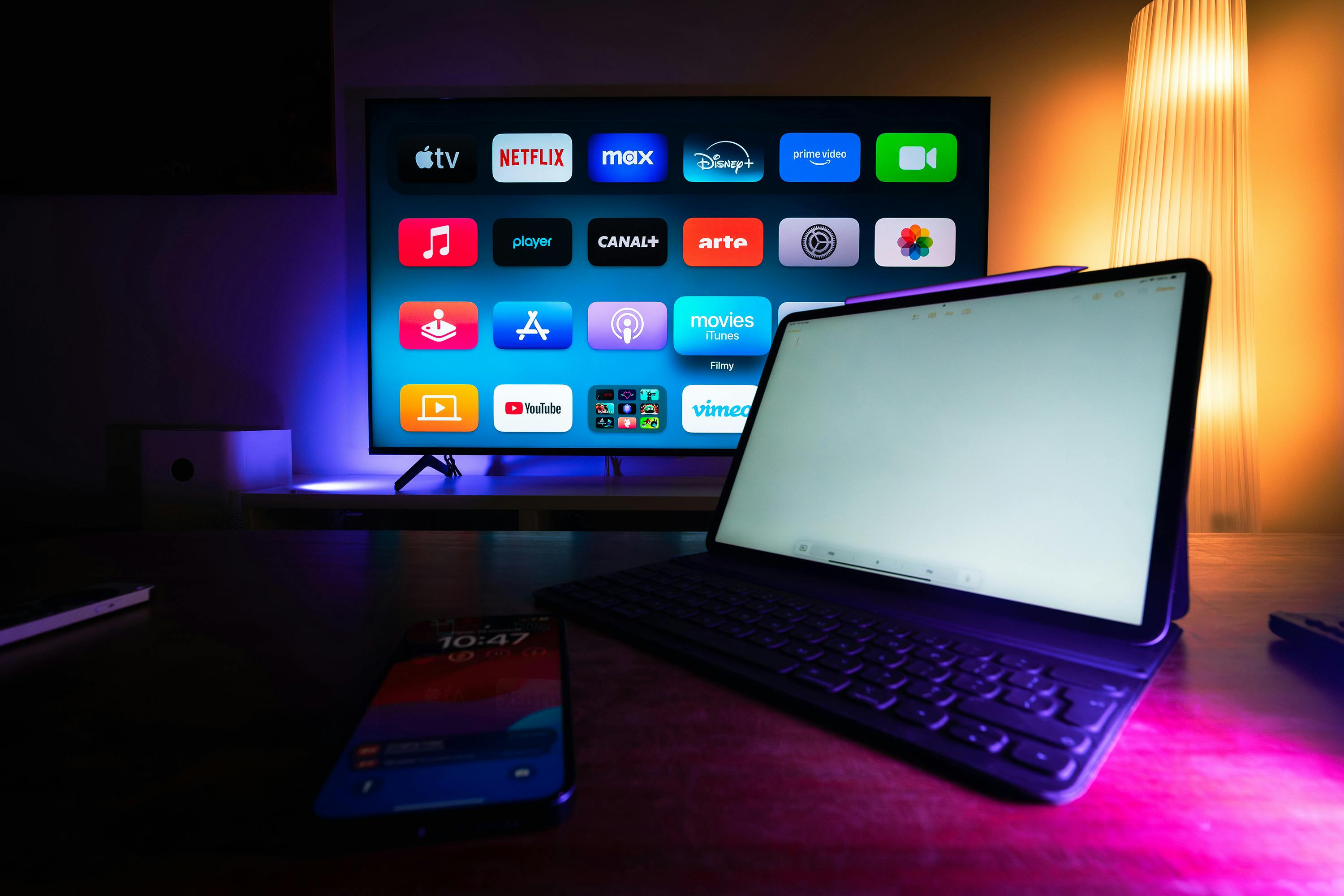
Today, “the HDO Box app” means HDO Box Plus. You use it to browse a catalogue, search for a title, read basic details about it, and then play it through a compatible external video player. There is no subscription and no account is required just to browse and play.
Be clear about what the app is and is not:
- It is a catalogue and playback app — the player itself is a separate app (see the Drama Player note below)
- It is not available in the Google Play Store or the Amazon Appstore — it is installed as an APK
- It is not a native Windows, Samsung Tizen, or Apple TV app — those devices need a workaround, explained in the device table below
HDO Box app features
These are the features users look for most often. Availability can vary by device and by build, so treat this as a guide to what the app is set up to do, not a guarantee for every title.
A catalogue you can search quickly
Browse by category or use search to find a specific movie or show. This is the main job of the app: finding something to watch, not playing the file itself.
Subtitles in multiple languages
Subtitles are a major reason people choose this app. Subtitle availability depends on the title and the player you use.
External player support
HDO Box hands playback to an external player. On TV devices that player is usually Drama Player; on phones, other players such as MX Player are also commonly used. If pressing Play asks you to install a player, that prompt is normal — install the player, then press Play again.
Trakt support
If you connect a Trakt account, the app can keep track of what you have watched and what you want to watch next. This is optional — the app works without it.
Downloads and offline viewing
Some titles can be downloaded inside the app for offline viewing, which is useful for travel or for saving mobile data. Download quality and availability depend on the source for that title.
Which devices does the HDO Box app work on?
| Device | How it works |
|---|---|
| Android phone / tablet | Install the APK directly |
| Firestick / Fire TV | Sideload the APK with Downloader |
| Android TV / Google TV | Sideload the APK |
| PC / Windows | No native app — run the Android app in an emulator |
| Samsung Smart TV | No direct install — Samsung TVs run Tizen, not Android. Use an external streaming device or screen mirroring |
| iPhone / iPad | No Play Store-style install — see the dedicated iOS guidance on this site |
Do not try to install the Android APK directly on a Samsung TV. Tizen cannot install Android APKs — use one of the two methods in the Samsung guide instead.
How to get the working HDO Box app
- Go to the download page and get the current HDO Box Plus build. Do not use an old APK saved from a random site or group chat — old original-app builds no longer work.
- Follow the guide for your device. TV devices need “apps from unknown sources” / Downloader sideloading; Android phones need permission to install from your browser.
- Open the app and try to play a title. If it asks for an external player, install that player when prompted, then try again.
- If nothing loads at all, do not keep reinstalling the same file. Check the not working guide — the problem is usually the dead original app, a missing player, or a blocked connection, not the install itself.
Is the HDO Box app free?
Yes. The HDO Box app / HDO Box Plus fork is free to use and does not require a subscription or a login to browse and play. If a website asks you to pay for the APK itself, leave that site — you are in the wrong place.
Frequently asked questions
Is the HDO Box app still working in 2026?
The original HDO Box app is not working in 2026. HDO Box Plus, the community fork, is working — it was confirmed working on 2026-10-11. Install the Plus fork from this site’s download page instead of an old copy of the original app.
What is the difference between HDO Box and HDO Box Plus?
HDO Box was the original app, which has stopped working. HDO Box Plus is a community fork that keeps the same style of catalogue and interface running. For a new install in 2026, Plus is the version to use.
Do I need a separate player for the HDO Box app?
Usually, yes. HDO Box finds the title; a separate player app plays it. On Firestick and Android TV that is normally Drama Player. On phones, you may be prompted for a different compatible player. Install the player when prompted, then press Play again.
Is the HDO Box app on the Play Store?
No. The app is installed as an APK file, which is why the install steps for your device matter. Follow the device guide for your phone, Firestick, or TV instead of searching an app store.
Does the HDO Box app work on Samsung TV and iPhone?
Not directly. Samsung TVs run Tizen and cannot install Android APKs, so you need an external streaming device or screen mirroring. iPhone and iPad need the separate iOS route described on this site — there is no normal App Store install.